Input
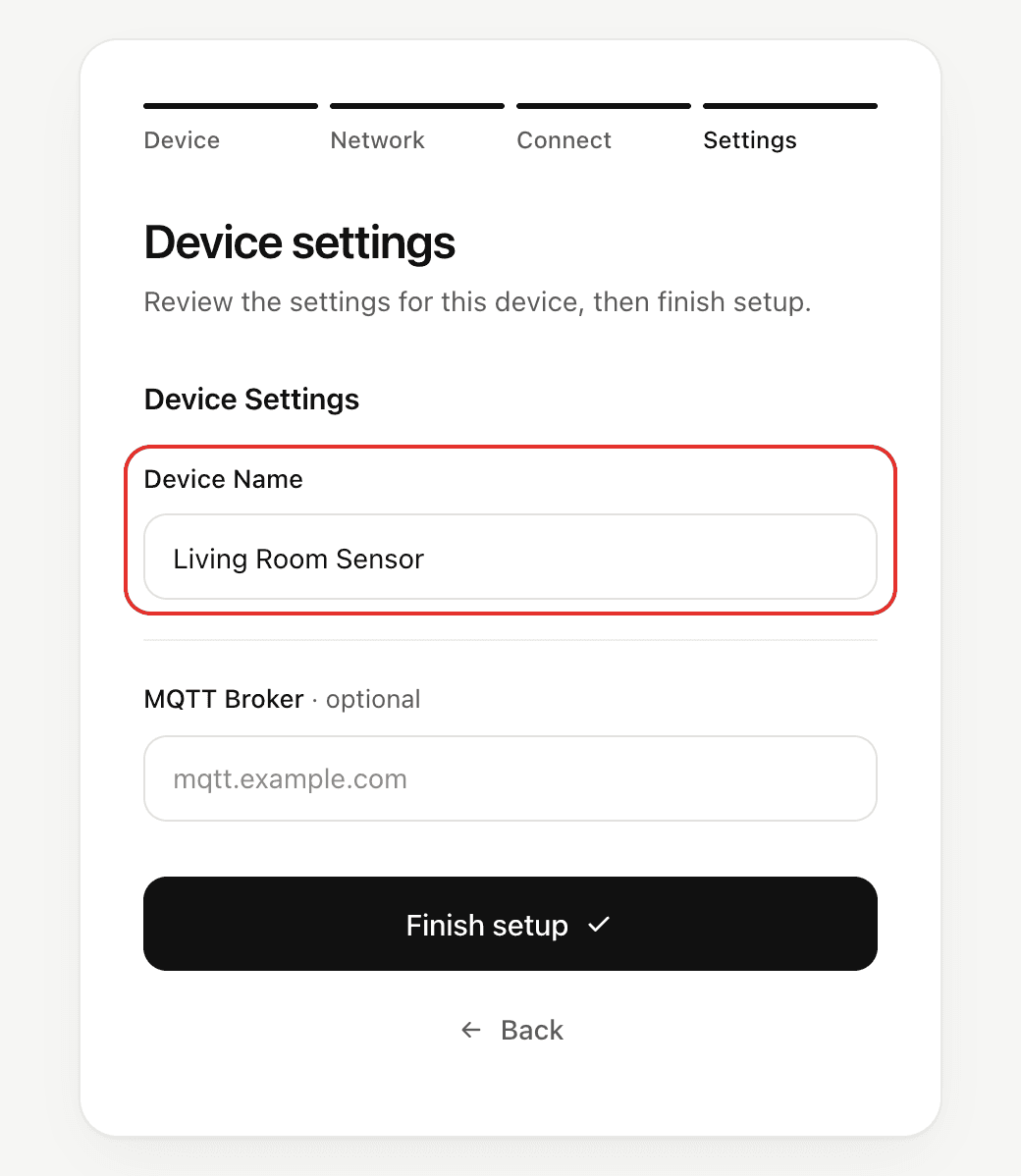
Collect a single line of text or a number, such as a host name or a port, on the NetWizard settings page.
NetWizardInput displays a single-line field on the settings page. It holds a value of one type, String, int, float or double, and getValue() returns that type.
Constructor
template <typename T = String>
NetWizardInput(NetWizard* parent, const char* name, T value = T(),
               const char* placeholder = "", bool required = true);
Prop
Type
The type comes from the initial value, so you rarely need to write it:
NetWizardInput host(&NW, "MQTT Host", "", "mqtt.example.com");  // String
NetWizardInput port(&NW, "MQTT Port", 1883);                     // int
NetWizardInput ratio(&NW, "Ratio", 0.5);                         // double
NetWizardInput<float> gain(&NW, "Gain", 1.5f);                   // float, named explicitly
Numeric inputs
int, float and double inputs bring up the number keyboard on phones, and the portal checks the format before sending. The device checks the value again, and rejects the submission if it isn't a valid number for the field, for example 80x for an int input or a number too large for an int.
Methods
getValue()
String h = host.getValue();
int p = port.getValue();
Returns a copy of the current value, as the input's type.
setValue()
host.setValue("broker.example.com");
port.setValue(8883);
Sets the value shown in the portal.
See Settings Fields for the methods shared by all fields.
Example
#include <WebServer.h>
#include <NetWizard.h>

WebServer server(80);
NetWizard NW(&server);

NetWizardInput host(&NW, "MQTT Host", "", "mqtt.example.com");
NetWizardInput port(&NW, "MQTT Port", 1883);

void setup() {
  Serial.begin(115200);

  NW.onConfig([&]() {
    Serial.printf("MQTT broker: %s:%d\n", host.getValue().c_str(), port.getValue());
    return true;
  });

  NW.autoConnect("NetWizard Demo", "");
  server.begin();
}

void loop() {
  NW.loop();
}