Settings Fields
Toggle
Add an on/off switch to the NetWizard settings page and read its state as a bool.
NetWizard Pro feature. This functionality is available only in the commercial edition of NetWizard.NetWizardToggle displays a switch on the settings page. Its value is a bool: true when the switch is on. Use it for settings such as enabling TLS or a feature flag.
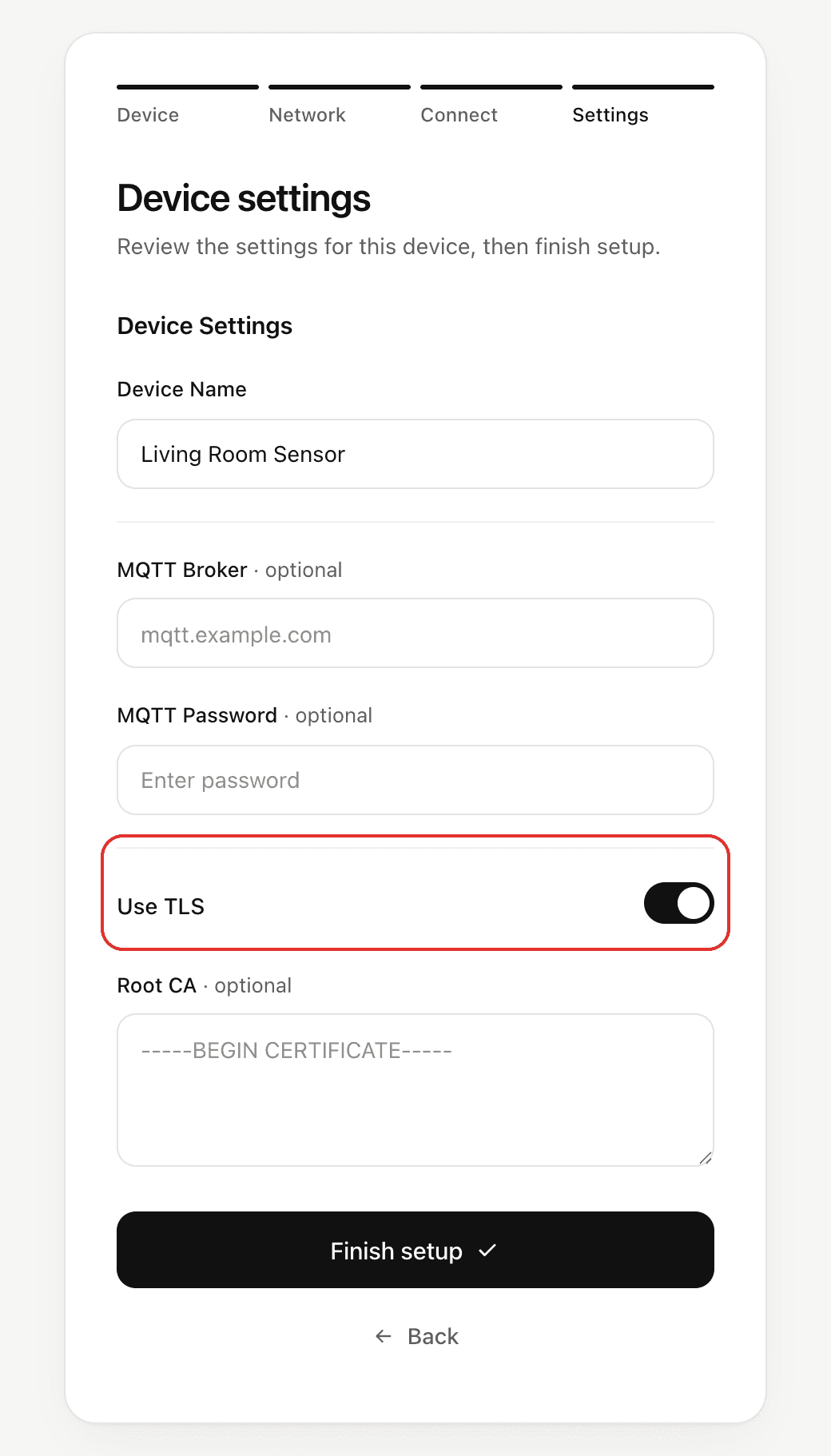
Constructor
NetWizardToggle(NetWizard* parent, const char* name, bool value = false,
                const char* description = "");
Prop
Type
NetWizardToggle use_tls(&NW, "Use TLS", true, "Encrypt the connection to the broker");Methods
getValue()
bool tls = use_tls.getValue();Returns the current state.
setValue()
use_tls.setValue(false);Sets the state of the switch.
setDescription()
use_tls.setDescription("Requires a broker certificate");Changes the text under the label.
Example
#include <WebServer.h>
#include <NetWizardPro.h>

WebServer server(80);
NetWizard NW(&server);

NetWizardToggle use_tls(&NW, "Use TLS", true);

void setup() {
  Serial.begin(115200);

  NW.onConfig([&]() {
    Serial.printf("Use TLS: %s\n", use_tls.getValue() ? "yes" : "no");
    return true;
  });

  NW.autoConnect("NetWizard Demo", "");
  server.begin();
}

void loop() {
  NW.loop();
}